
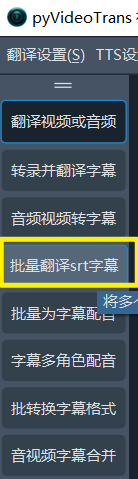
Feature: Batch Translate SRT Subtitles
Supported subtitle format:
srt
If you already have SRT subtitle files, this feature can help you quickly translate them into another language while keeping the original timestamps. It also supports various output formats such as Monolingual Subtitles, Target Language on Top (Bilingual), and Target Language on Bottom (Bilingual).
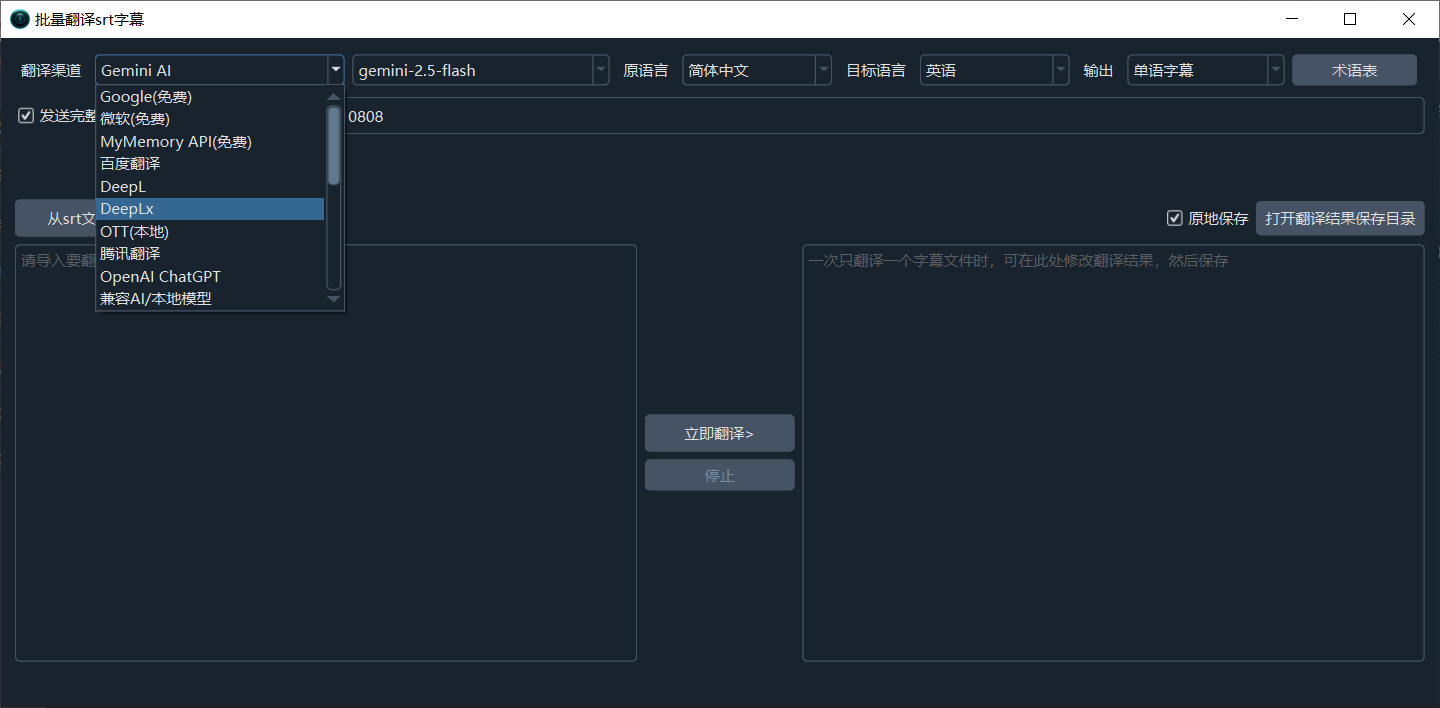
- Translation Channel: Select which channel to use for translation. Options include free traditional channels like Google and Microsoft, as well as AI channels like DeepSeek. For AI channels, you need to fill in the corresponding SK key and model name in
Menu -> Translation Settings. Click here to view all translation channel details - Source Language: The original language of the subtitles to be translated. If unsure, you can select
-. - Target Language: The language you want to translate into.
- Output: Choose to output monolingual subtitles or bilingual subtitles.
- Translation Glossary: When using an AI translation channel, the content of this glossary will be automatically embedded.
- Send Complete Subtitles: When using an AI channel, checking this box will send the subtitle's
line number, timestamps, and text boxtogether to the AI for translation, resulting in better contextual understanding. However, note that if using a local small model or a less capable model, selecting this may cause the returned format to be non-compliant, leading to empty lines or inclusion of prompt text. - Network Proxy: Some channels, such as Google and OpenAI, are not directly accessible in certain regions. To use them, you must fill in a network proxy.
- Import Subtitles from SRT File / One or More: Click to import the subtitles you want to translate. Multiple files can be selected.
- Overwrite Original: Translates and directly overwrites the original SRT subtitle file. Please use with caution. If selected, your original subtitle content will be replaced with the translated content.
- Open Translation Result Directory: Click to open the directory where translated files are stored.