
Starting from version v3.56, support for the speech recognition service from https://gladia.io has been added.
This site ( https://gladia.io ) provides 10 free hours per month, supports over thirty languages, and the results are quite good. Register and log in for free using your email, then create an API key to use the service.
Using Gladia for Subtitle Recognition and Generation in the Software
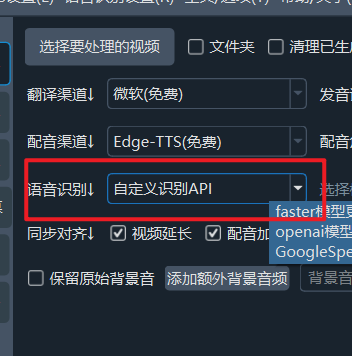
- Open Menu -> Speech Recognition Settings -> Custom Speech Recognition API
In the API field, enter https://api.gladia.io
In the Key/Password etc. field, enter your API key

Please log in to https://app.gladia.io/account to create and copy your API KEY

- In the Speech Recognition Channel, select Custom Recognition API, and then you can start using it

