Index-TTS2 Windows One-Click Integration Package Download
Download Links
Baidu Netdisk Download Link: https://pan.baidu.com/s/1tCOYpLJXwHvLTtlBqQgAdw?pwd=in6j
GitHub Download Link: https://github.com/jianchang512/stt/releases/download/0.0/index-tts2-0911-win.7z
How to Use
- After downloading, first extract the archive.
- Double-click the extracted
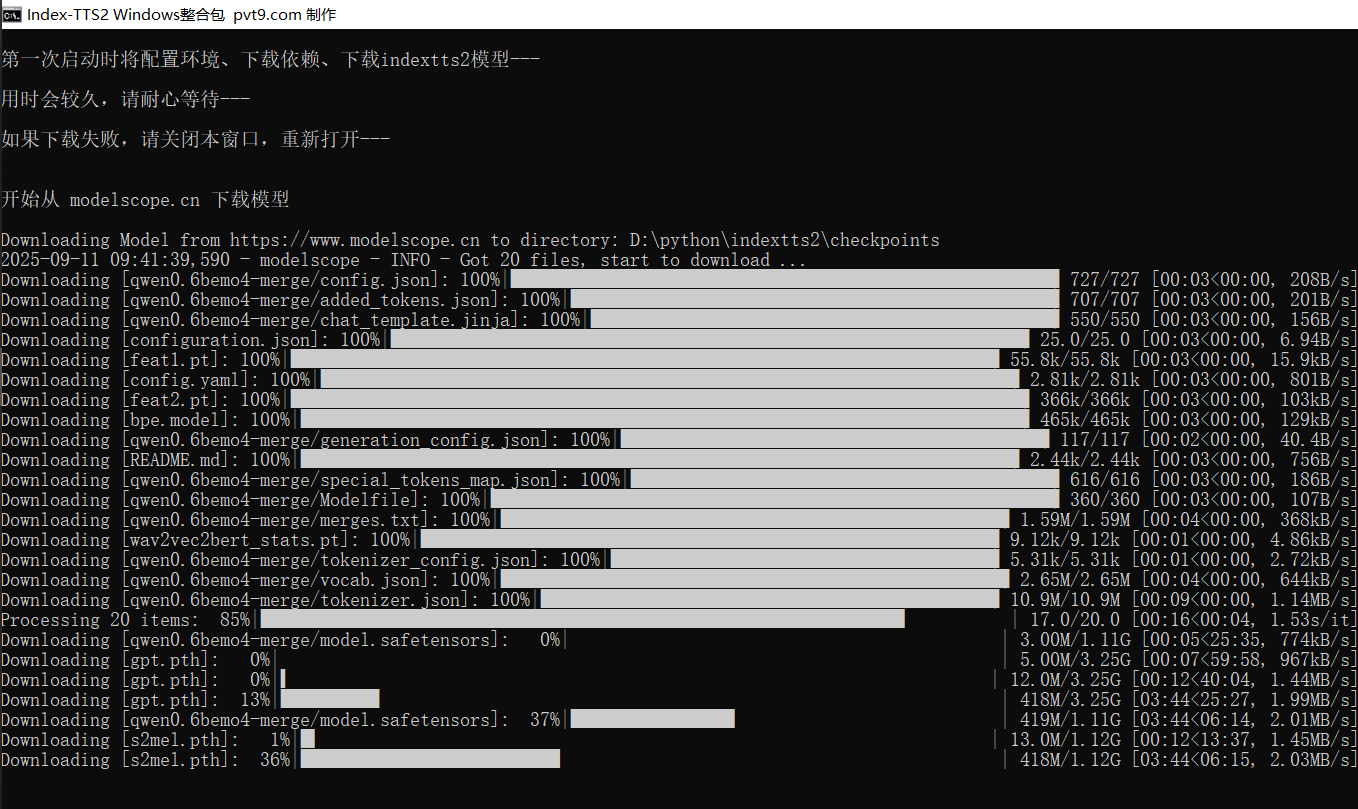
双击启动.batfile. - The first launch will automatically create a Python environment, install dependencies, and download the Index-TTS2 model. This process can take anywhere from a few minutes to tens of minutes. Please wait patiently.
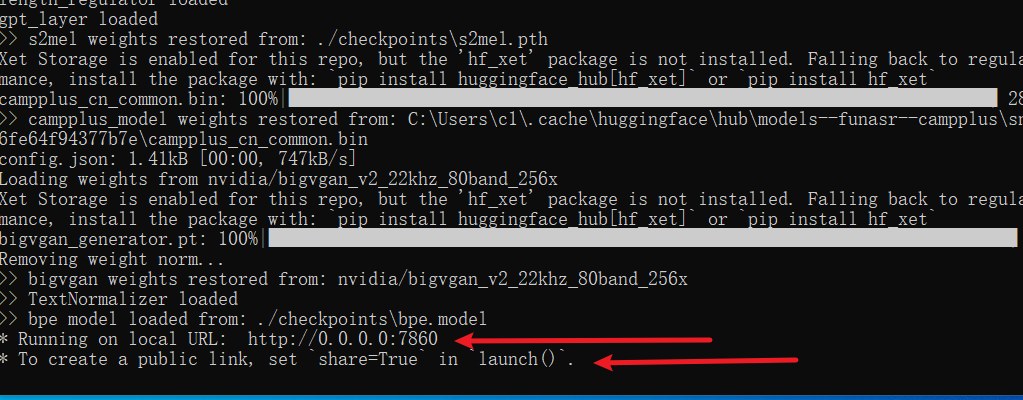
If the bottom of the final window displays as shown in the image below, it indicates success.
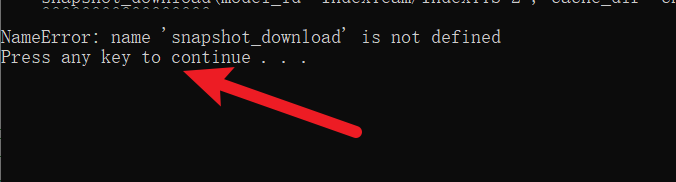
If an Error: or text similar to the image below appears at the end, it indicates failure. Please close the window and reopen it.
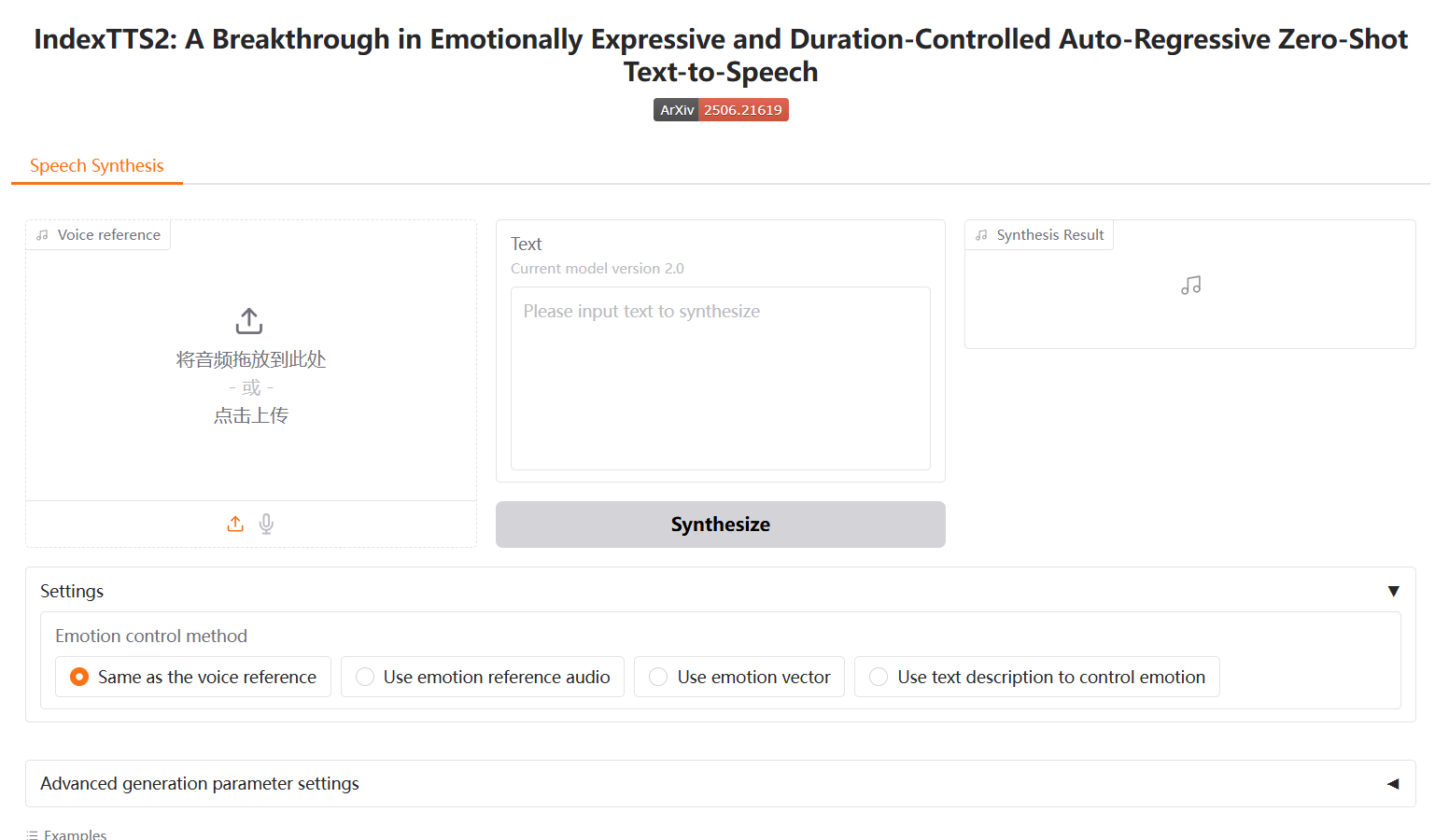
- Upon success, the address
http://127.0.0.1:7860will automatically open in your browser.
Changing the Model Download Source
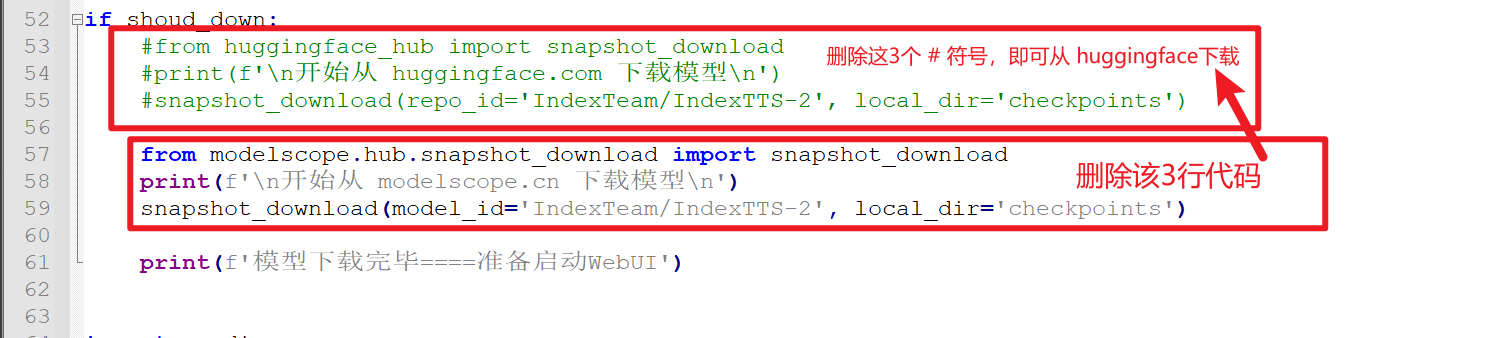
By default, the Index-TTS2 model is downloaded from modelscope.cn. If you wish to download from huggingface.co, open the webui.py file, locate line 53, remove the # symbol from the beginning of the next 4 lines of code, and then delete the subsequent 3 lines of code. See the image below.