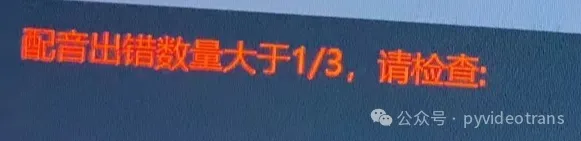
"Current IP is restricted, please use a proxy" "Number of dubbing errors exceeds 1/3"
Errors like those above generally appear during the dubbing stage, specifically when using the "edgeTTS" channel. This is Microsoft's TTS service API for the "Read Aloud" feature in the Edge browser. It's free to use, but recently, new rate-limiting measures seem to have been implemented. A high volume of requests from the same IP address in a short time can trigger a 403 block, leading to errors.

How to Resolve?
First: Check if there is a latest version patch package. If yes, download and overwrite to upgrade first, then test if the issue is resolved.
Download and upgrade address: https://pyvideotrans.com/downpackage
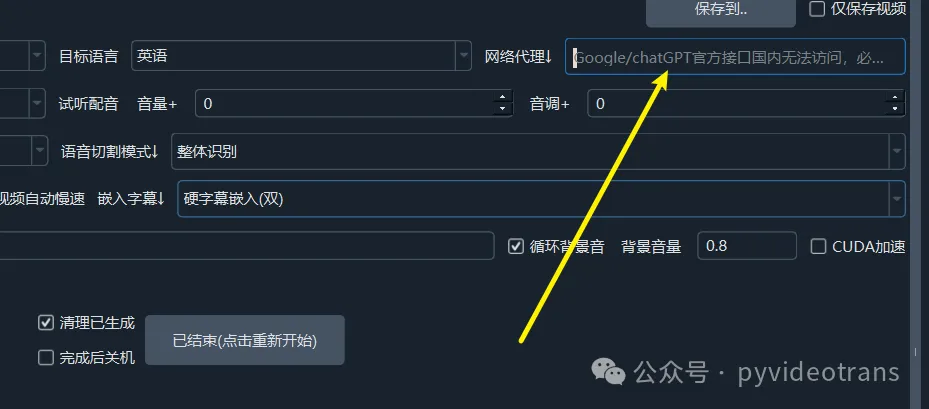
Second: If you know what a proxy/VPN/wall is, then use it. Enter the HTTP proxy address into the "Network Proxy" text box.
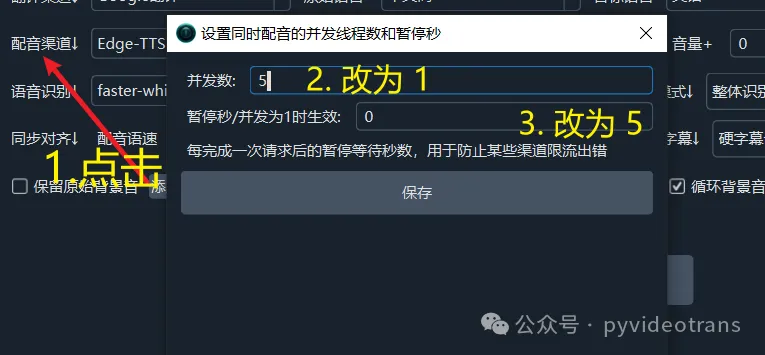
Third: As shown in the image below, click on "Dubbing Channel". In the pop-up window, change the concurrency to 1 and the pause to 5. This reduces errors by slowing down the dubbing speed.
Fourth: If none of the above methods work, you can switch to other dubbing channels.
For example, free dubbing services include "GPT-SoVITS", "ChatTTS", "F5-TTS", "CosyVoice", etc. Deploy the corresponding project locally. The settings dialog will have tutorial links for each. 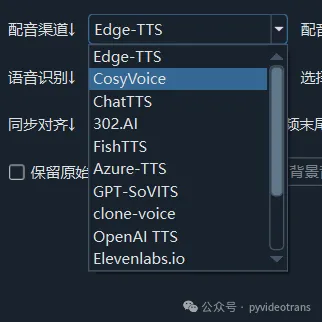
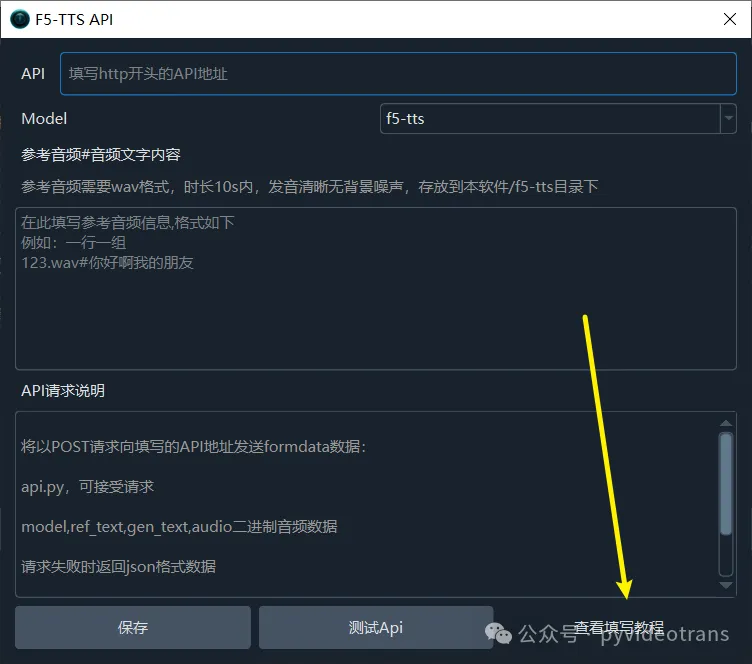
Or use paid online APIs, such as 302.AI, ByteDance Volcano Voice Synthesis, OpenAI-TTS, etc. 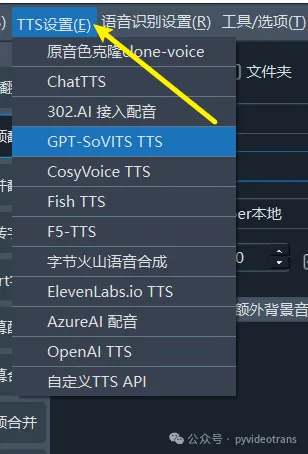
Fully Local Offline Translation Setup
Translation Channel Selection: Offline Translation OTT

Dubbing Channel Selection: F5-TTS / CosyVoice / FishTTS / GPT-SoVITS / clone-voice / ChatTTS are all local options requiring separate deployment. Deployment tutorials are available in the settings dialog.
Speech Recognition Selection: faster-whisper / openai-whisper / SenseVoice / STT are all local recognition options.
Most Stable Translation Setup:
For stability, commercial-grade APIs are most suitable, unless your local machine is very powerful, in which case local translation can be used.
Translation Channel Options: 302.AI / OpenAI-ChatGPT / ByteDance Volcano Large Model / Baidu Translate / Tencent Translate
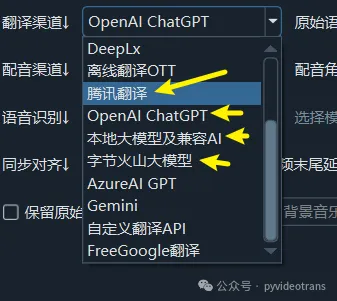
Dubbing Channel Options: ByteDance Volcano Voice Synthesis / OpenAI-TTS / 302.AI 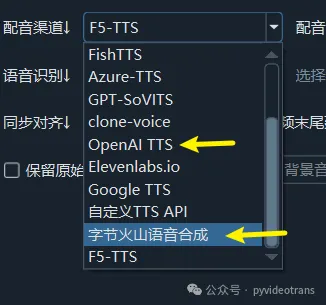
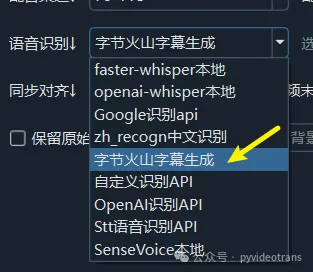
Speech Recognition Channel Options: ByteDance Volcano Subtitle Generation