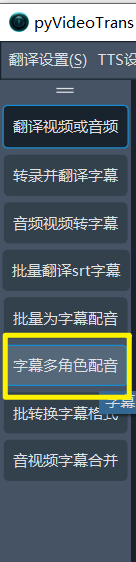
Feature: Batch Speech-to-Subtitle
Supported video formats:
mp4/mov/avi/mkv/webm/mpeg/ogg/mts/tsSupported audio formats:
wav/mp3/m4a/flac/aac
This is a dedicated feature panel for transcribing audio/video files into text or subtitles. Sometimes you may not want to translate a video, but simply generate subtitles in batches based on the audio/video. This feature is perfect for that.
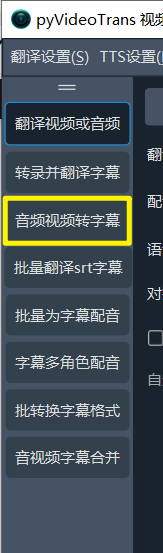
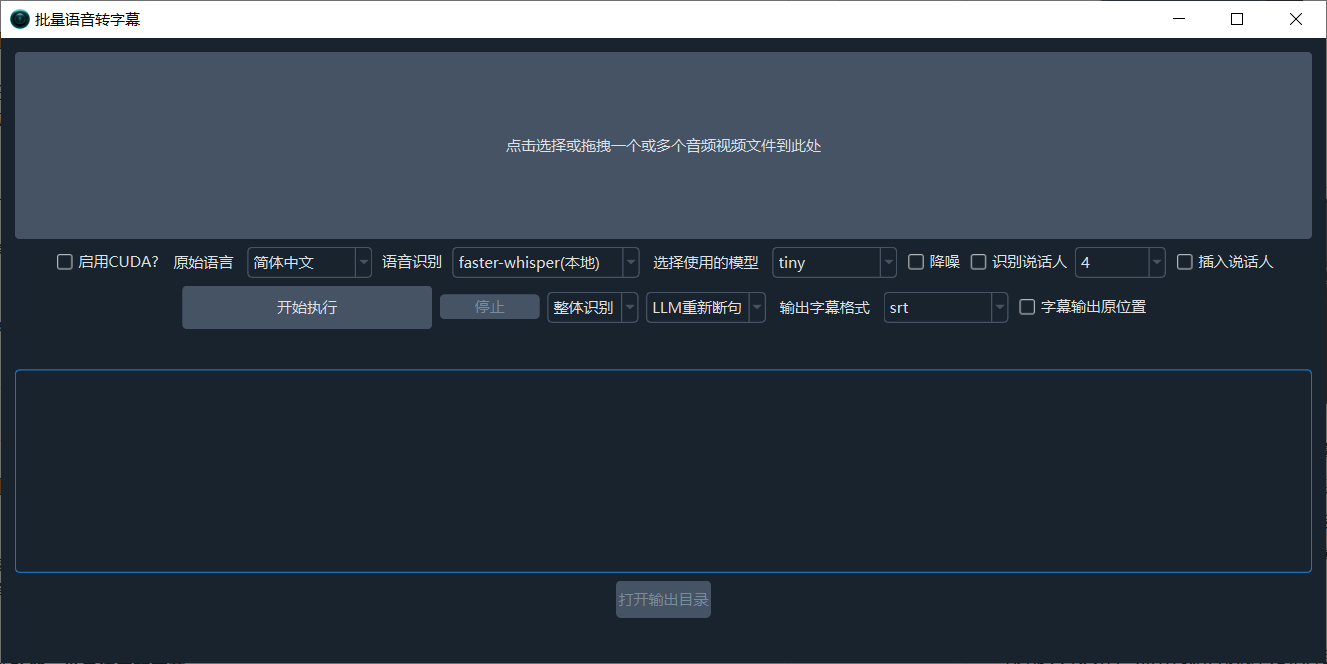
Batch transcribe video or audio files into subtitles or txt. Simply drag in the files, set the source language (spoken language) and recognition model, then start. Supports advanced features like Re-segmentation, Noise Reduction, and Speaker Recognition.
Click or drag the large button at the top to add the audio/video files you want to transcribe. You can add one or multiple files.
- Enable CUDA: If you have an NVIDIA GPU with CUDA configured on Windows or Linux, check this box to speed up transcription.
- Source Language: The spoken language in the audio/video. Please select correctly, otherwise transcription will fail. If unsure, you can select
autofrom the bottom of the dropdown. - Speech Recognition: Choose which method to use for speech transcription. For general needs, select
faster-whisper.
faster-whisper (Local): This is a local model (requires an online download on first run). It offers good speed and quality. If you have no special requirements, choose this. It offers over a dozen models of different sizes. The smallest, fastest, and most resource-efficient model istiny, but its accuracy is very low and not recommended. The most effective models arelarge-v2/large-v3. It is recommended to choose these. Models ending in.enor starting withdistil-only support English pronunciation.openai-whisper (Local): Similar to the model above, but slightly slower. Accuracy might be marginally higher. Also recommended to chooselarge-v2/large-v3models.Aliyun FunASR (Local): Alibaba's local recognition model, which performs well for Chinese. If your source video is in Chinese, you can try using it. It also requires an online model download on first run.- Additionally, it supports various online APIs and local models like ByteDance Volcano Subtitle Generation, OpenAI Speech Recognition, Gemini Speech Recognition, Alibaba Qwen3-ASR Speech Recognition, and more.
- Click to view descriptions of all speech recognition channels
- Select Model: Larger models are more accurate but slower and consume more resources.
- Noise Reduction: If checked, noise in the audio will be eliminated before speech recognition, improving accuracy.
- Recognize Speaker: If checked, after speech recognition, it will attempt to identify and distinguish speakers (accuracy is limited). The following number represents the preset number of speakers to identify. If known in advance, setting this can improve accuracy. Default is unlimited.
- Insert Speaker: If selected, a speaker identifier (e.g.,
[spk0]) will be inserted at the beginning of the subtitle text. - Default Segmentation | Local Re-segmentation | LLM Re-segmentation: You can choose default segmentation, use a Large Language Model (LLM) for intelligent segmentation and punctuation optimization of the recognized text, or use a local algorithm to re-segment the recognized text based on punctuation and duration.
- Output Format: By default, transcription results are output in SRT subtitle format. Options include txt, vtt, ass.
- Holistic Recognition & Batch Inference:
Holistic Recognitionuses built-in VAD to detect and segment speech activity, resulting in better segmentation.Batch Inferencesplits the audio based on the setMaximum Speech Duration, then processes 16 segments simultaneously for faster speed, but segmentation is slightly less precise. - Output Subtitles to Source Location: If checked, transcription results will be saved in the same folder as the original audio/video file.
- Open Output Directory: Click this button to open the directory where transcription results are saved. Saved files have the same name as the original audio/video.
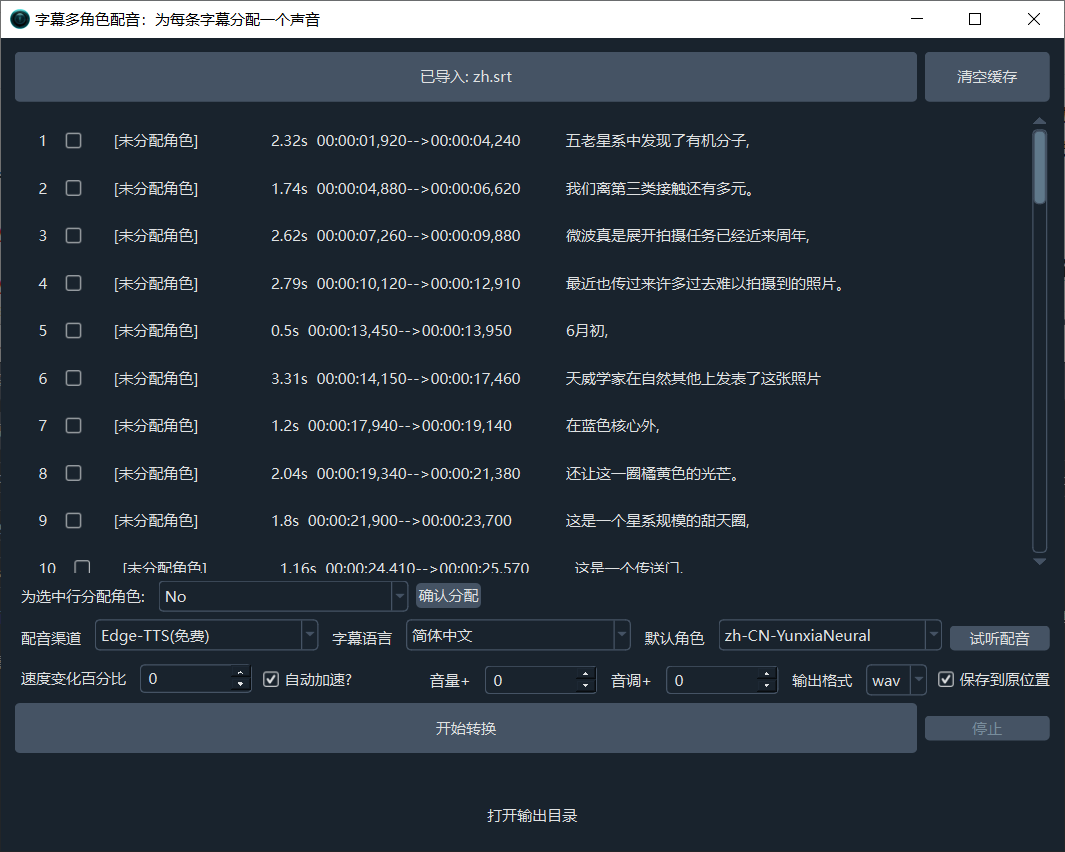
Feature: Multi-Voice Dubbing / Speech Synthesis for Subtitles
Supported subtitle or text formats for dubbing:
srt
Similar to the Batch Dubbing for Subtitles feature, the difference is: This feature supports assigning a unique voice to each subtitle line, enabling multi-role dubbing.