
Two UI interfaces are supported
- A Qt-based desktop application that must be downloaded and used locally (not available for online preview). This is the primary module under active development, with full support for video translation, speech-to-text, text-to-speech, subtitle translation, and more.
- A Gradio-based web interface that runs in the browser, enabling separation between the deployment machine and the end-user machine.
Desktop App (sp.exe / sp.py) — Local Use
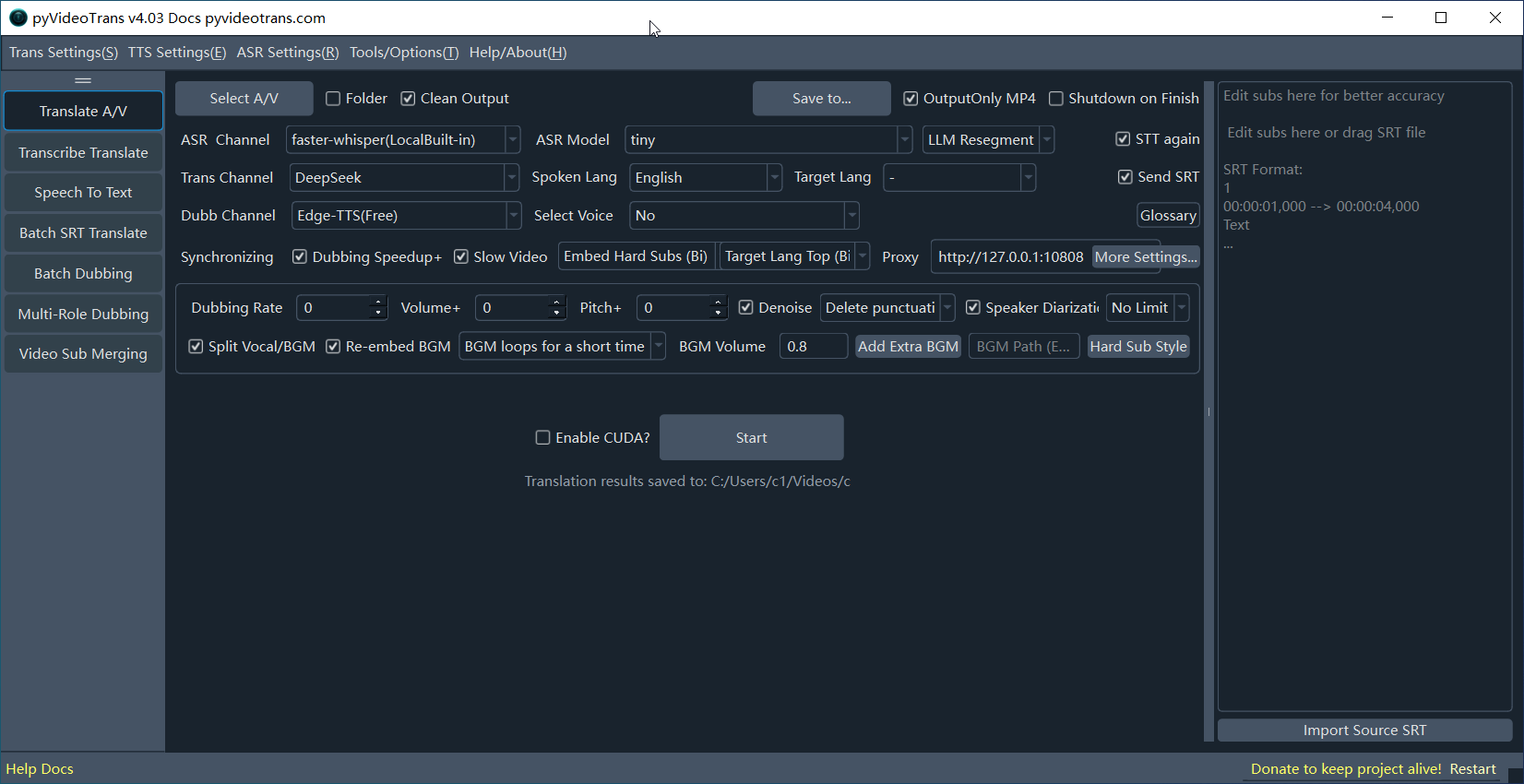
On Windows, double-click sp.exe, or run uv run sp.py to launch the desktop interface. It runs locally only, with full feature support — this is the primary development focus.
WebUI Interface
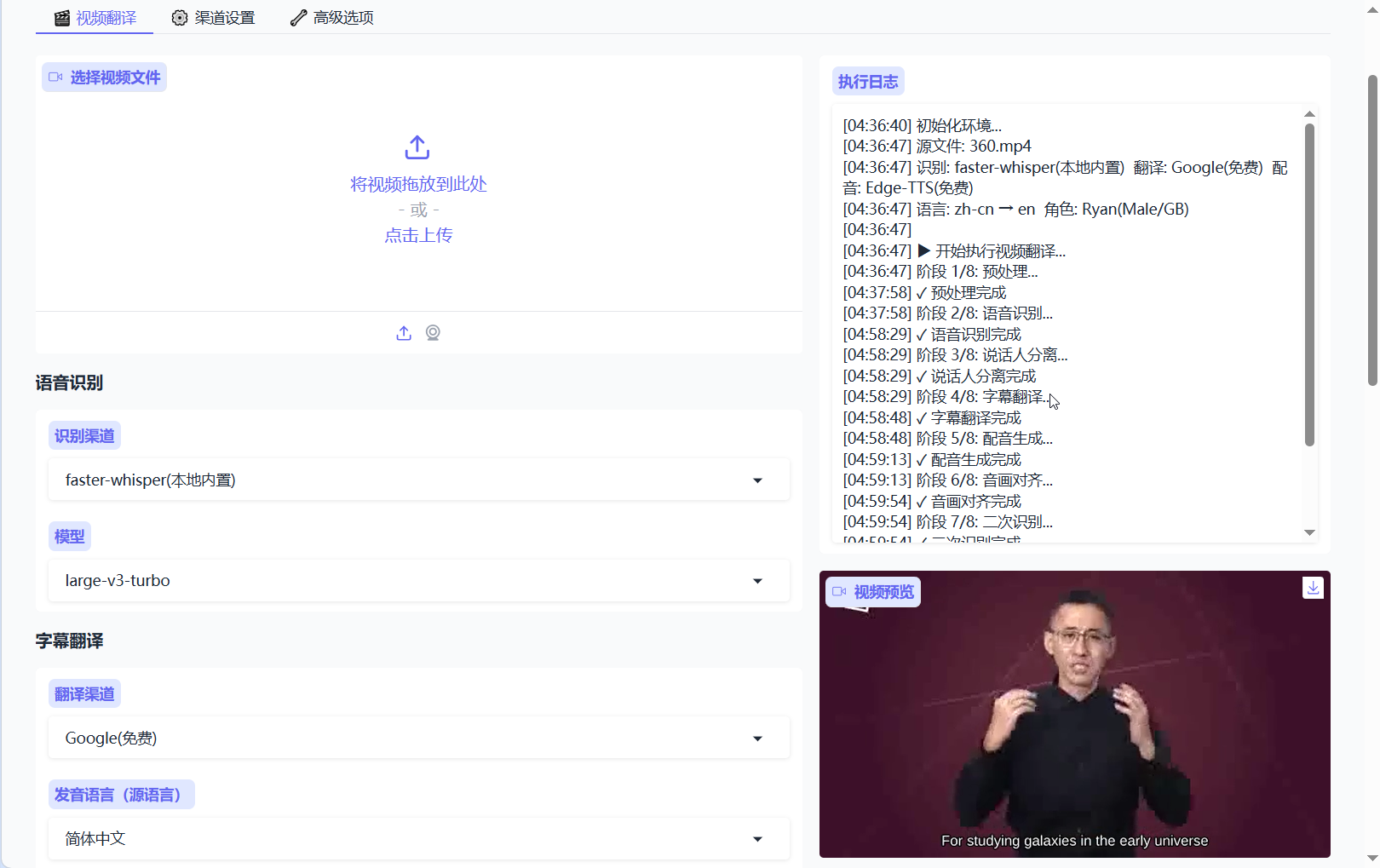
The preview runs on only 2 CPU cores with no GPU, so it may be sluggish. Click the three-dot menu in the top-right corner and select
Clone repositoryto clone the repo to your own account and run it with your own GPU for better performance.Do NOT enter any API keys or SK secrets in the settings — all settings are publicly visible.
Deploy WebUI locally and use it in your browser
git clone -b dev https://github.com/jianchang512/pyvideotrans.git
cd pyvideotrans
uv sync --extra webui

uv run webui.py